
Account Settings
Select Other Preferences
Select other preferences to customise Everbility's AI models and tailor Everbility to your needs.
Customise Everbility
In addition to setting your profession, Everbility's AI can be further customised according to your needs.
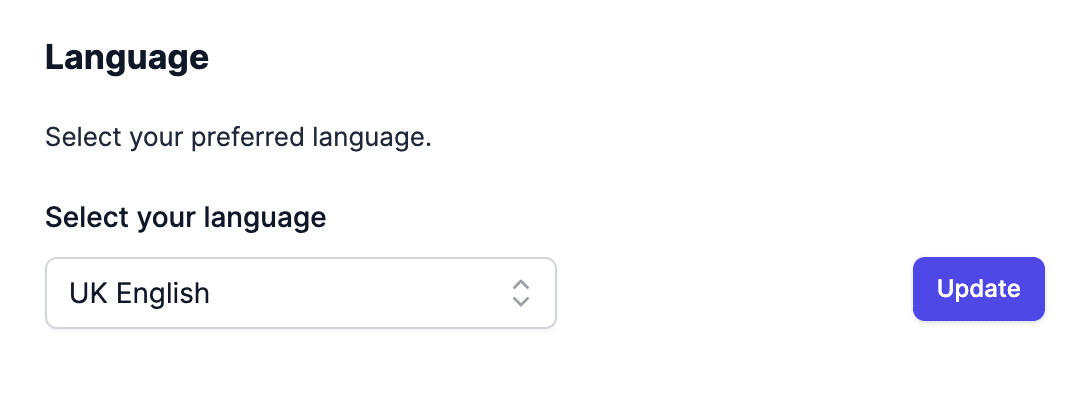
Select your Language
After you sign up for Everbility you will be able to select your preferred language for AI responses. If you don't see your preferred language listed, please reach out to mani@everbility.com.
Selecting the preferred language will customise Everbility's AI models to reply in your preferred language and make it easier for you to use Everbility.
The preferred language can be selected and saved from the Manage Account and then AI Preferences console which you can access by clicking on your avatar on the top right corner of the screen.
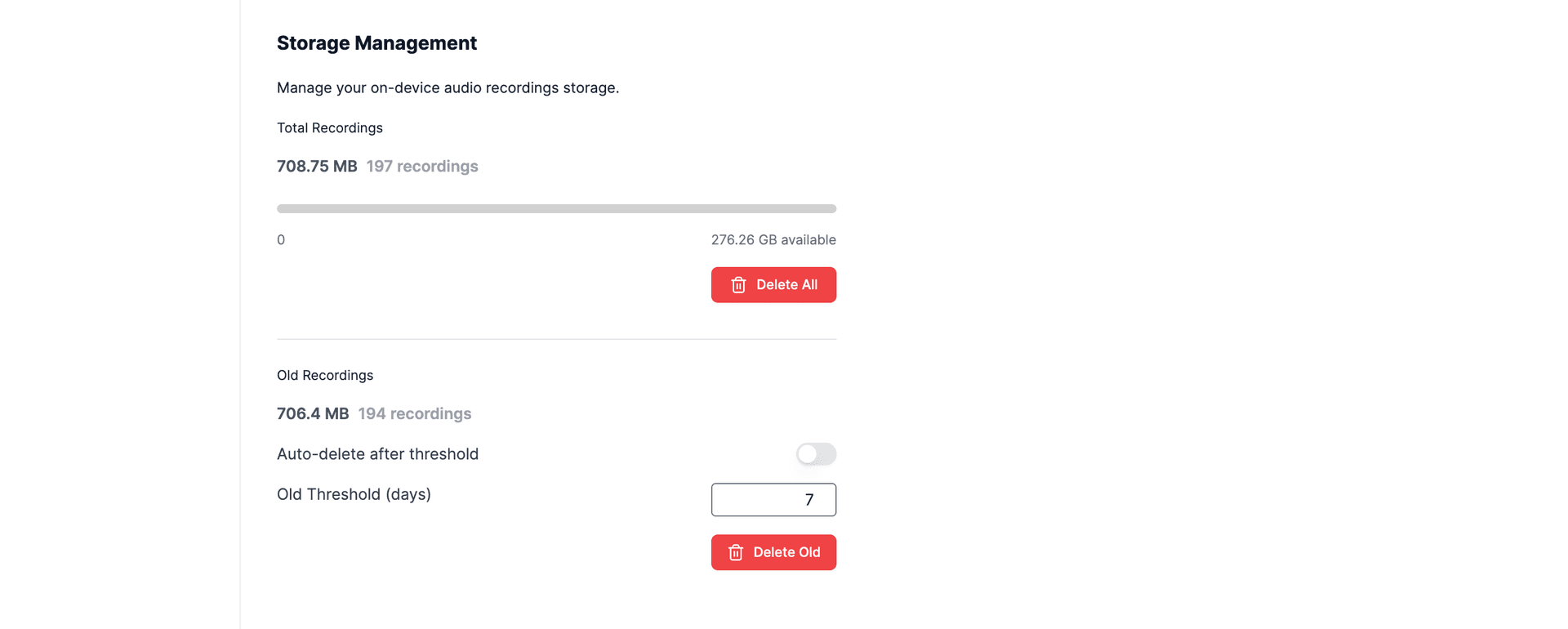
Select Your Storage Options
You also have the option to manage your on-device audio recordings and set an auto-delete preference.
Manage DOCX Export Styles
You can also use AI Preferences to upload personal DOCX export styles for Word exports, including letterheads, logos, headers, footers and other branding.
If you are an organisation admin, you can also upload shared DOCX export styles for your team.
Read the full guide here: DOCX Export Styles
Want us to support a language or funding model that is not listed? Please reach out to mani@everbility.com.
Feeling stuck? Book a demo here